
Improvement
Create monitors from anywhere in SELECT
By Ian Gray

Creating monitors in SELECT is now faster and easier. Create monitors directly from workloads, warehouses, storage, tables, and charts — with filters, columns, and metrics pre-applied — to quickly catch query spikes, optimize costs, and track performance.
Creating monitors in SELECT is now faster and easier! Create monitors right from where you’re already exploring data — no need to fill out the create monitor form from scratch!
Create monitor buttons on Workload, Warehouse, Insights and Storage pages
Start a monitor directly from these pages. Your filters, sort order, columns, and selected chart metric already are carried over to the monitor configure screen.
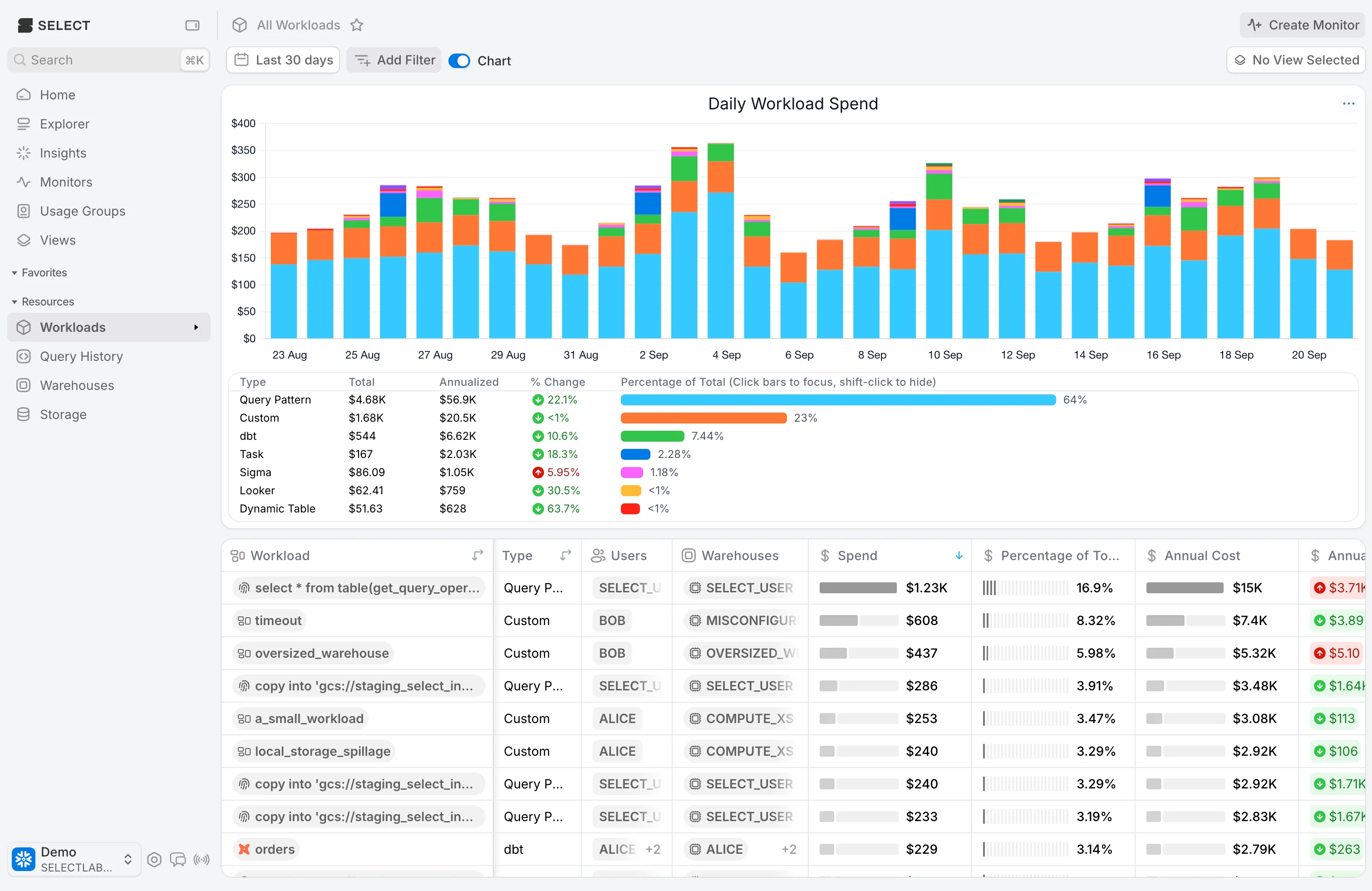
Table dropdown option
You’ll now find a “Create monitor” option in table dropdowns. Your filters, columns, and sort are carried over.

Chart dropdown link
From any chart’s dropdown, your filters, and chart metric are carried over.

Other Things We shipped
- 🐛 Fixed duplicate
#showing up in some Slack destinations - 🪄 Annual cost and annual cost change filters