
Announcement
Self-Serve Stripe Billing in SELECT
Manage Stripe transactions, view payments and costs all within SELECT, with no extra setup required
By Harry Fung
Manage Stripe transactions, view payments and costs all within SELECT, with no extra setup required
Our Stripe customers can now navigate over to the Billing tab within settings to perform common actions like invoice retrieval, credit card updates, or billing address updates. If you need any help with sort out payment info, click Contact Support to create a Pylon ticket and an admin will reach out.
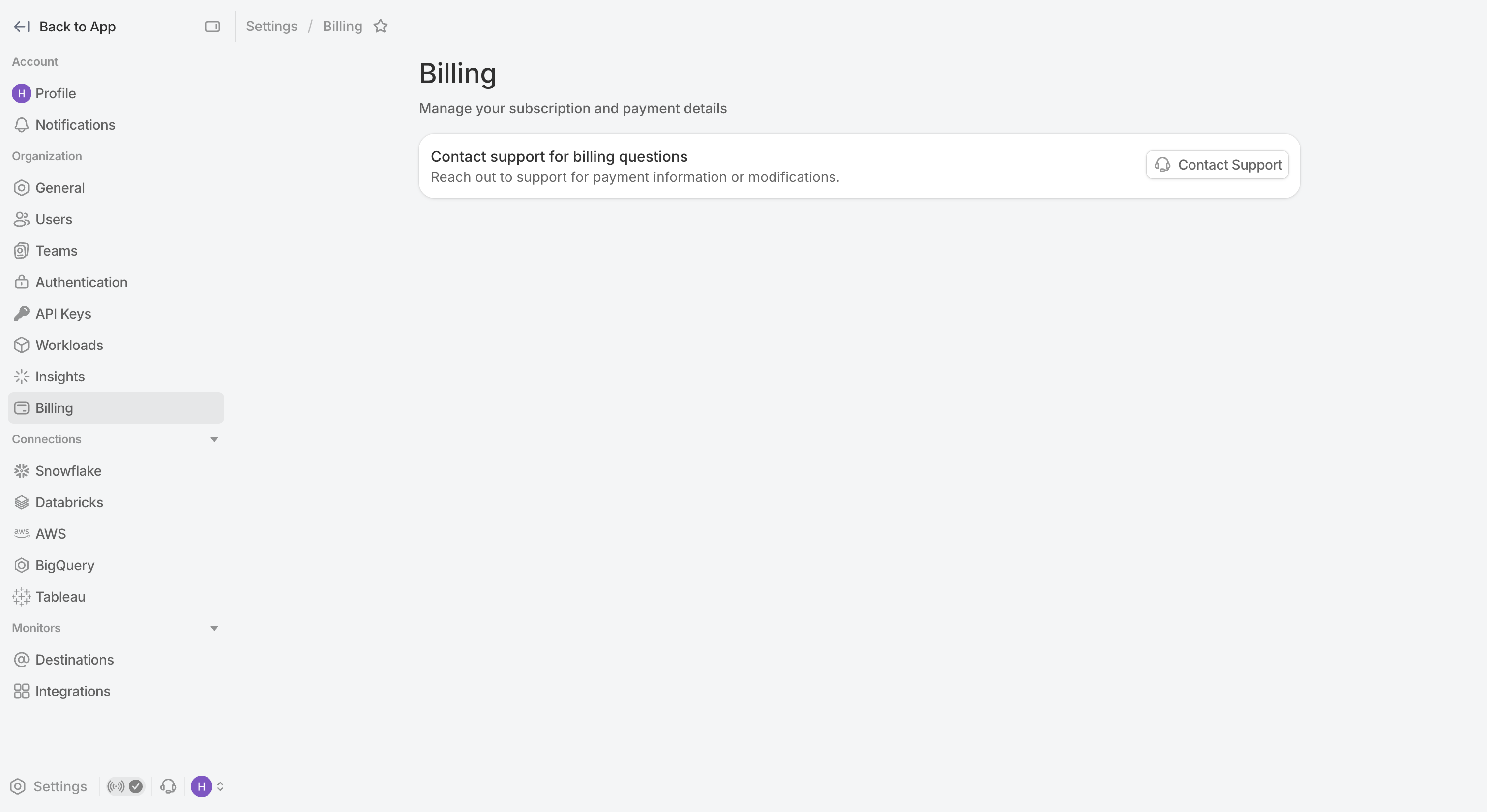
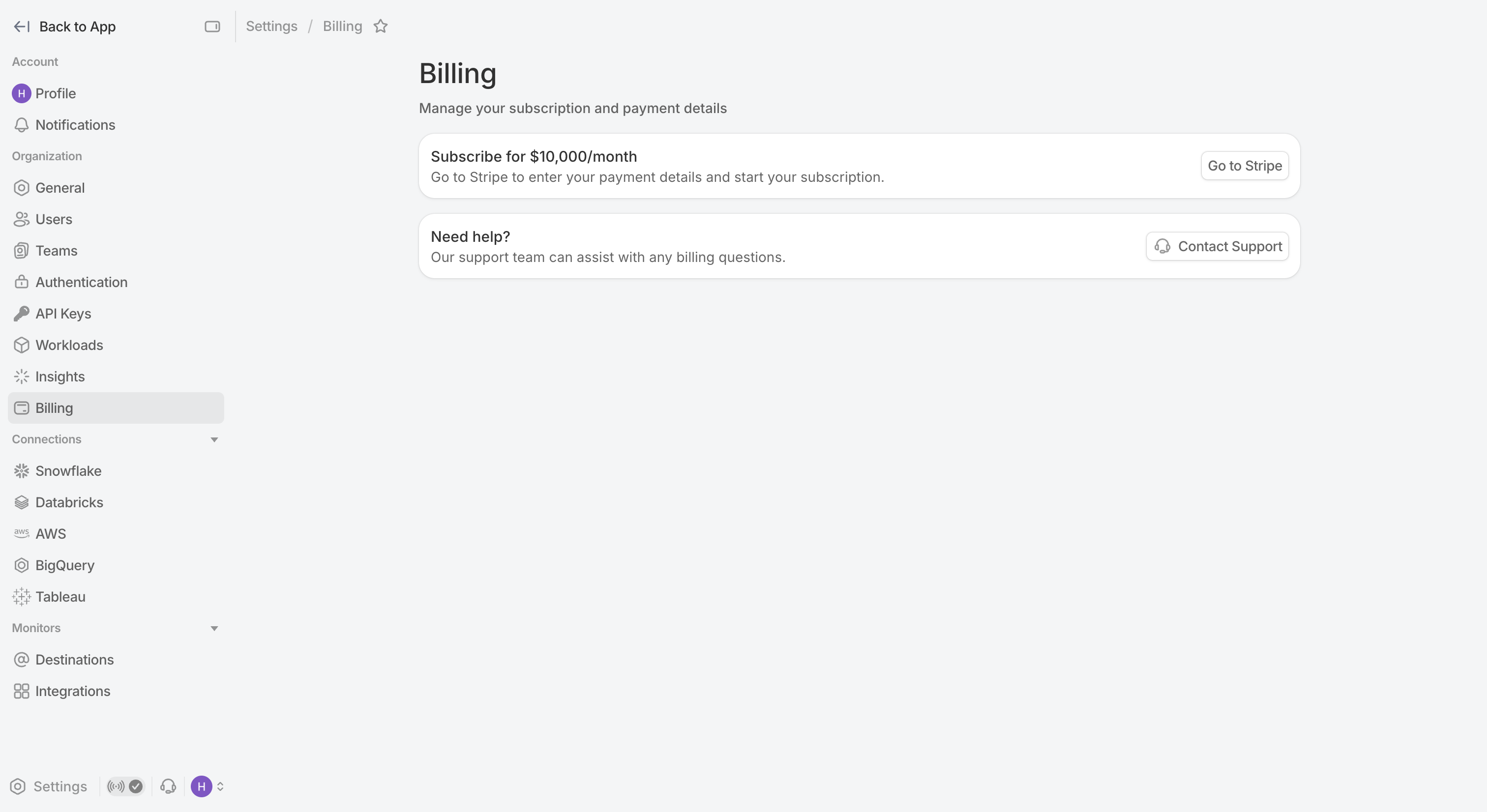

Once payment options have been configured, you will be navigated back to SELECT where you will be notified that setup has been successful. If you need to make changes to your payment option or view past invoices, click the Go To Stripe button to navigate over to Stripe to see this information.
